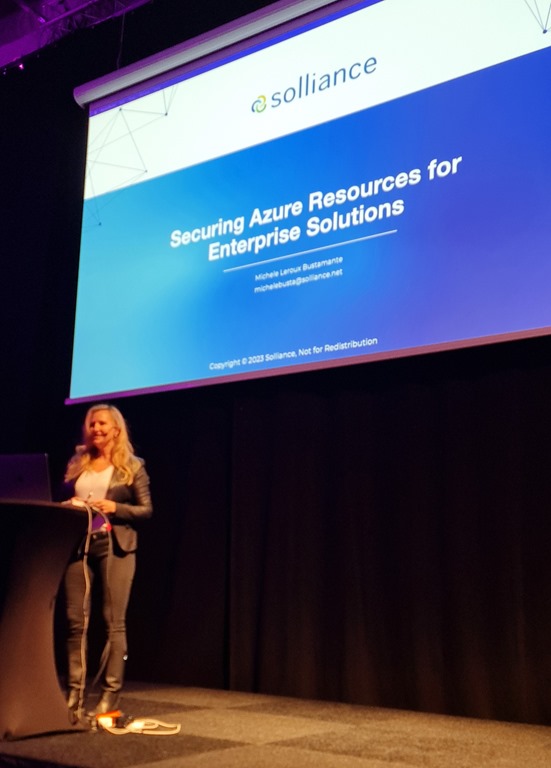
Some conferences are special – the good Eurpean kind of special. DevSum falls in that category. I suppose a large part of the reason is that it is on home turf, in Stockholm, Sweden.
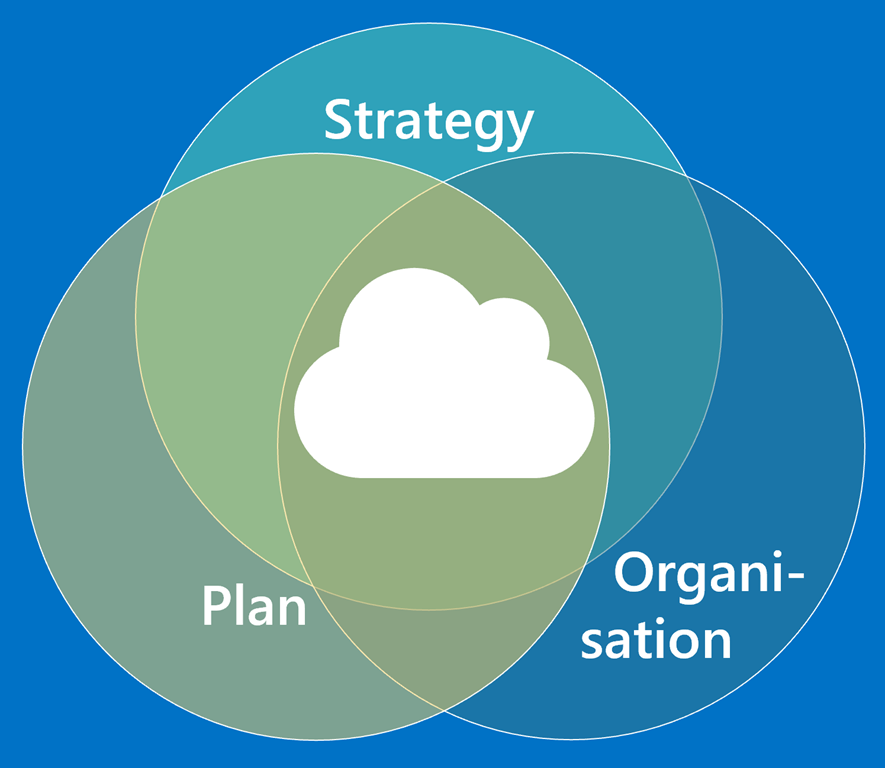
This year the conference content committee saw fit to select my talk on Four pre-flight checks for Azure Cloud. This is a particularly important topic these these days, and the audience frequently comment a lot of recognition. The fourth thing in my talk is “references”, but three large areas of items to cover _BEFORE_ you start are ensuring you have a good strategy, which leads to a good plan, and then to also ensure you empower and arrange your company organisation around cloud.
Technology may be advanced, but is frequently rather straigth forward. Humans, on the other hand, are _NEVER_ straight forward.
We tend to talk about and work on the tech, because that feels safe and usually not so contentious. As an industry we must talk a lot more about these other things, because that’s where the real cost of cloud hides, and this is where a quite signifficant portion of project time is spent!
In my talk I share a lot of real project stories (names have been changed to protect the victims), and a lot of personal experiences and tips earned in the trenches of cloud projects since the very dawn of the cloud!
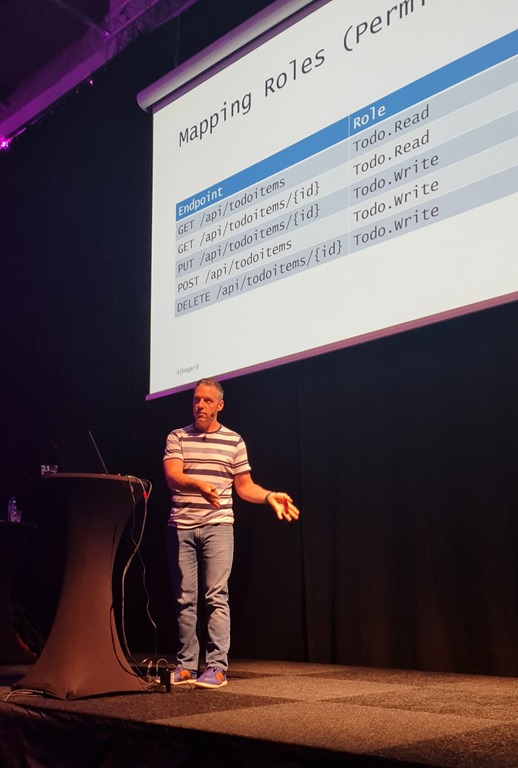
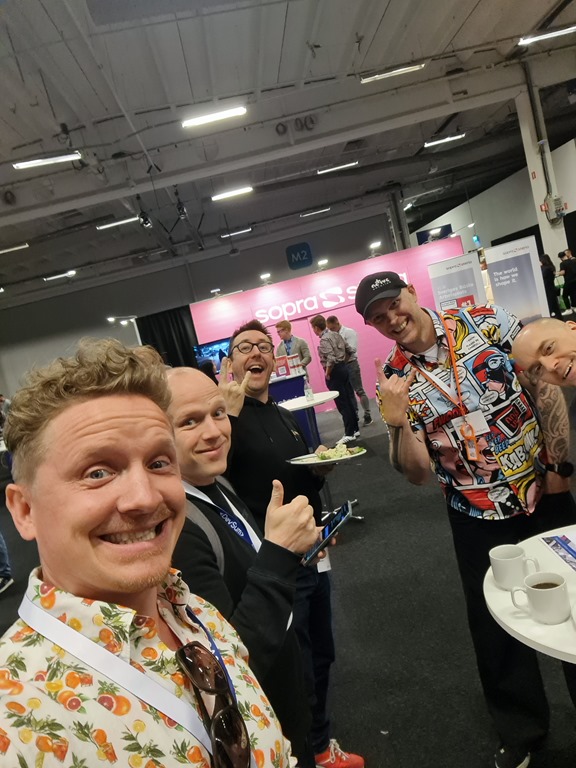
Also at the conference, I met up with a ton of great friends and I saw multiple great talks delivered by some of those friends. Always phenominal to catch up both socially, and also professionally at conferences!
Thank you a lot DevSum for having me over – I appreciated this a lot! Hope to see you again next time! <3
This week on The Cloud Show our guest star Mahesh Chand.
We dive into questions about cloud cost and cost management for the cloud. How do you approach and think about your cloud spend and how do you figure out the way to get it under control! This episode is a VERY useful one with hands on from a person with many years of experience managing cloud projects with a budget.
The Cloud Show is the weekly show for leaders are impacted by cloud projects. Through short interviews with insightful guest Stars we penetrate important topics about cloud and leadership in cloud contexts. We know this show will help listeners potentially avoid some of the challenges that we have faced, or at least be better equipped to face the ardious journey that is the path to a successful cloud for your business!
Reach out to me if YOU want to be a gues on the Cloud Show, or if you know someone who would make a great guest star!
About the Show Star
Mahesh Chand is the founder of C# Corner and an entrepreneur who brings his skill and experience to many customers who end up owing a bit of their success to him.
Recently on the Azure Triumphs show, Johan Åhlen and I had a chance to share about how we approach setting up a productive, agile and effective Cloud Strategy for Region Skåne – one of the largest political geo-regions in Sweden, where we both live.
We talked about high and low, and mixed up a nice concoction of experience and advice for how to help a non-cloud public sector organisation embrace and adopt cloud. It is challenging, and quite rewarding, and it is a much more exiting journey than you might imagine. Johan is driven by improving healthcare for citizens of his region. I can only agree. It does feel warm and good to be able to help my region, where my family, relatives and a lot of people I care for work, live and raise their families. This is what it is all about, folks! Taking your experience and expertise and putting it to work to make a difference where you live!
This was part of the Azure Skåne#GlobalAzure 2023 event. Join the Azure community in Skåne and follow Global Azure for future #global #azure events! #mvpbuzz
Listen here:
Thank you very much Nikos Delis for having us on your show!
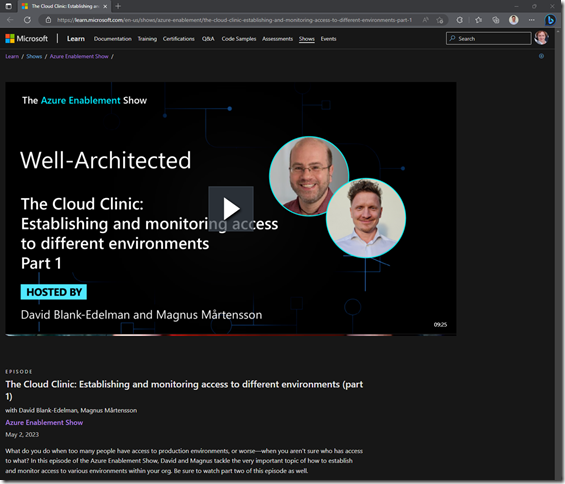
Last week on the Cloud Clinic we talked about what bad things can happen to your cloud when technical people have all the wrong access to your cloud assets. We’re talking costs running amok, instable work environment that are prone to environment drift and that cause your development to slow down to a crawl, and risk for mistakes that should not be possible to make. Those and more issues we list in that episode. Check it out: Establishing and monitoring access to different environments (part 1 of 2)
Now, let’s talk about the remedy! What do you do to avoid all the many problems that come from technical people having wrong access to the cloud?
Read on below and find out in this week’s episode!
The Cloud Clinic is a series on the #AzureEnablementShow where we focus on answering caller questions about using the cloud. It is difficult to start out right, and it is difficult to stay on an optimal path in the cloud journey. "I thought the cloud would be better than this, but I have some questions!" This is the show where you can have Your question answered! Please reach out to me on social channels, or comment here, or on YouTube, and we might be answering Your Cloud Clinic Question next!
It is a remedy in two parts. And of course, you need to lay down a solid strategy and stay the course in practice in your company. This is comparable to finishing that course of penicillin once you feel the symptoms going away. If you don’t the illness will come back, but it is challenging to motivate continued cure when you don’t feel sick. Trust me says the doctor about penicillin. Trust me says I about the following advice! It is not all that easy to do, but the rewards are well worth it.
There are two remedies to consider: Role Based Access Control and Privileged Identity Management. The former is what the Japanese call “kata”. It’s just good form. The latter is a bit tricker to manage, but when well rolled out, it empowers your organisation so very much!
Role Based Access Control (RBAC)
The way you grant someone, or something (a system) access to resources in Azure is by means of Role Based Access Control (RBAC). The thing about this is that RBAC data is stored in Azure, while identities of the people accessing the cloud are stored in Azure Active Directory (AAD). This leads to inconsistent access that is difficult to manage in Azure.
What I propose you do instead is take advantage of the AAD for what it is good at – users and group membership. The AD has “security groups” that are used to group users together to grant them access to something. You put users as members in the group, and then you grant the group, which is just another AD object just like a user identity, access to the intended system!
This means, in Azure, you will see only groups having access. You can create and maintain these as standard groups and standard access using automation, and you can easily automatically audit these groups. This makes your cloud access management cleaner!
Back in your AAD, to grant a person access to a system in Azure is as easy as making them a member of the right security group. AD is GREAT with auditing and managing who is a member of what group. This is what the AD is built for!
The outcome is that you now play the strength of each system, rather than ending up in this very uncomfortable split that gives you an inevitable pain in the groin!
But wait, theres’s more!
Use the AAD security group owner to delegate membership
To let group leaders in your projects, self-manage who are members in their teams, and consequently who has access to the systems in Azure they oversee, you can delegate ownership of AAD security groups to them!
Regular users in the AAD do not necessarily have the right to add or remove members from security groups. This means they must ask someone else to set up access, say when a new team member joins the team, or revoke access when one leaves. The access administrator role in AAD has this privilege, but that creates an inconvenient bottleneck and leads to an access request granting system that is not very quick and agile.
Instead, what you should do is consider granting security group owner privileges to your team leads. They will then be able to manage membership of the security group themselves! This affords them a limited right to decide who is in the team and so have access to the Azure resources. This little trick is so very valuable it should come in gold!
Privileged Identity Management (PIM) is the next level of access control
Privileged Identity Management is a premium Active Directory feature that allows you to preconfigure access that can be activated only when needed. The tough bits here are two. One is that you need to pay for the AAD P2 license. But again, trust the doctor, it is well worth the money if used properly. Two is that you must invest some effort into fully adopting the feature into your organisation.
It is a bit tricky to configure PIM and that’s why I see organisations struggling to adopt it. You should start with a POC for PIM, if you will, and enable it for one team all the way. Then you take those experiences to learn how to roll out in your company all the way!
PIM means, as alluded above, that you configure access as the potential to have access, but the user does not really have access right now. It is just-in-time activated by the user. The main power here is that, if a user does not have access to a system, they cannot inadvertently make mistakes and modify that system by accident.
Use multi-factor authentication to further strengthen security
Another great combination here is MFA, or Multi-Factor Authentication. This is a standard feature that means you must use your phone or similar in conjunction with your password to authenticate. It is a great security addon that almost entirely removes the risk of credentials being stolen.
That plus other AAD features such as geofencing which blocks sign-ins from users that “all of a sudden” are attempting to gain access from Russia och China when they were in the office five minutes ago.
Manager approval is another method for controlling access to production
Activation of your access using PIM can be set up in such a way that you have to give written justification for the elevation of privileges. You can have the process that a work item must be related to why the user needs access, and this may be audited after the fact.
For additional security, again a risk of bottlenecks, you can also activate manager approval for users’ PIM activations. Just make sure you don’t have that activated for the support team that would need to phone a manager in the middle of the night on a weekend to grant access during maybe a critical security incident. That’s not going to sit well with upper management. Use this power only where it makes sense, and make sure more than one manager can be on call to grant access!
Don’t forget to audit access and review if a person still needs that extra access
Having limited access also provides useful audit logs so that you can determine who had access to certain environments at specific times. Any time a person accesses a system in Azure it is audited in the Activity Log. Same goes for any time a user elevates access using PIM, and the AAD also audits when users are added to or removed from security groups. Feed all this data into your SEIM system and have it analysed there, for example using Azure sentinel, which is purposefully built for exactly this type of auditing and security management.
Summary
There are so very many things you can do to have a proper access control, and which brings you so many benefits in terms of saving time and money, and in mitigating risk of data loss and thwarting attacks. Use proper RBAC with AAD security groups and consider PIM! You will not regret that investment, because you end up saving a ton!
I was recently on the Evo Nordics’ Evolution Exchange Nordics Podcast together with three other great people to talk about “Ways To Improve As A Leader”. Diogo Del Gaudio, Fredrik Arenhag, and David Božjak. Thanks to Rachel Owen for having us on!
Listen here:
In the episode we covered important topics like:
What practical tools and habits do you use to enable you as a leader?
How important is office presence when it comes to understanding a team’s efficiency?
How does your support circle look: Who do you confide in, where do you get advice, and how does that help you grow?
As technology is driving a more current and modern workplace, how do you ensure everyone feels included and has the drive to move forward with you?
We wanted to be mindful and helpful about challenging work-life situations as a leader, and I really think we hit some good solid points!










Comments are closed.